tree day
Guide
Standby power explained?
Standby power is electricity used by devices while they appear off or idle, often to keep controls, clocks or network connections ready. Whether it is worth addressing depends on what the device does and how often it is used.
A television that looks off may still be drawing a small amount of electricity so it can respond to a remote, maintain a clock or stay connected. That ongoing use is commonly called standby power. It is real, but its importance varies: a single device may use little, while several always-ready devices can add up over time.
What “off” can mean in practice
A device can be fully disconnected, switched off at a physical power control, or placed in a low-power state while retaining some functions. The last state is standby. Examples can include a printer waiting for a job, a game console ready for a controller, or a charger that remains plugged in; actual behavior varies by model.
Some devices are designed to remain connected for updates, safety functions or remote access. A network router, for example, may need to stay on for the household’s internet to work. The label “standby” does not tell you whether a particular device can be safely or usefully disconnected.
Why a small draw can matter—or not
Power is energy used over time. A small continuous draw can accumulate because it runs through many hours, but the impact depends on the device’s actual standby wattage and the time it spends in that state. A device used rarely but left ready every day may be a better candidate than something used briefly and switched off completely.
For a hypothetical calculation, a device drawing 2 watts for 20 hours a day uses 40 watt-hours per day, or 1.2 kilowatt-hours over 30 days. The example explains the arithmetic only; it does not estimate any specific device or bill.
Identify what is worth checking
Look for devices that remain warm, display a clock, light an indicator, or respond instantly after being switched off. Those signs suggest some ongoing function, but they do not measure the electricity used. A plug-in energy monitor may help measure compatible appliances, if used according to its instructions; avoid opening equipment or interfering with wiring.
ENERGY STAR describes upgrading appliances and other home equipment as opportunities to improve efficiency [1]. That general point is useful context, but it does not establish that every idle appliance has significant standby use. Measurement or the manufacturer’s specifications can make the decision more grounded.
Use power strips selectively
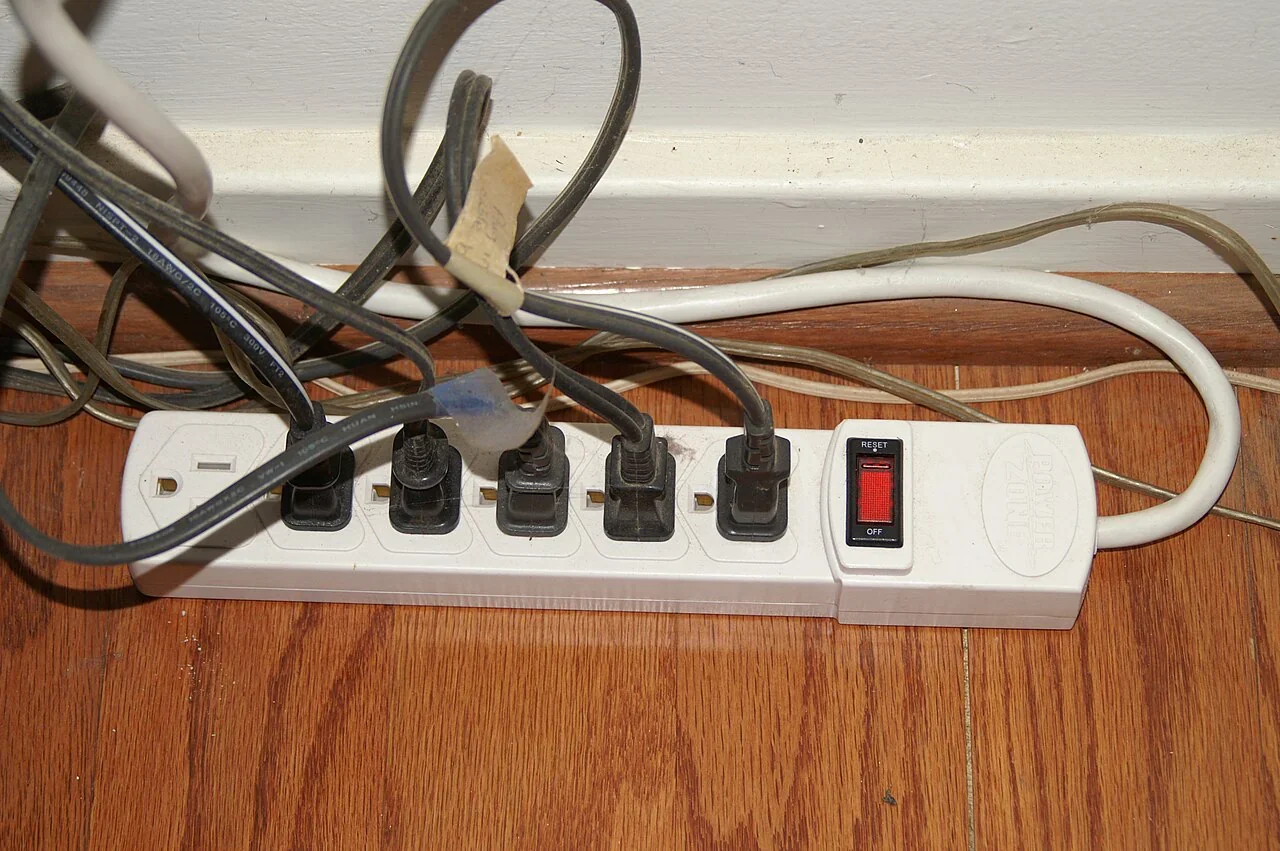
A switched power strip can disconnect a cluster of equipment that is used together, such as a desk lamp and monitor, at the end of the workday. This is convenient when the group can truly be off at once. It is less suitable for devices that need network access, scheduled recording, saved settings or a continuous connection.
A common mistake is to cut power to everything on a strip without checking what each device needs. The next morning may bring lost settings, delayed updates or a device that no longer performs a required function. Group only equipment with compatible schedules, and label the switch if other household members share it.
Make one low-friction change
Standby power is one small part of household energy use, alongside heating, cooling, water heating and appliances. ENERGY STAR notes that heating and cooling can account for as much as half of household energy use [2]; this helps keep standby decisions in perspective without making them irrelevant.
Choose one cluster that is easy to disconnect and not needed overnight. Try a switched strip or a routine of using the device’s full-off setting, then check whether the change causes inconvenience. If it does, restore the needed function and focus on another device instead.
Follow the evidence
Primary sources used in this story. Practical examples are illustrative unless a source states otherwise.
Read our editorial standards. Have a correction? Identify the article and relevant source in your feedback to the site owner.