tree day
Guide
How to recycle electronics?
Electronics generally need a designated collection site, retailer or manufacturer program rather than curbside recycling. Back up and remove personal information, check what the site accepts and consider donation when a device still works.
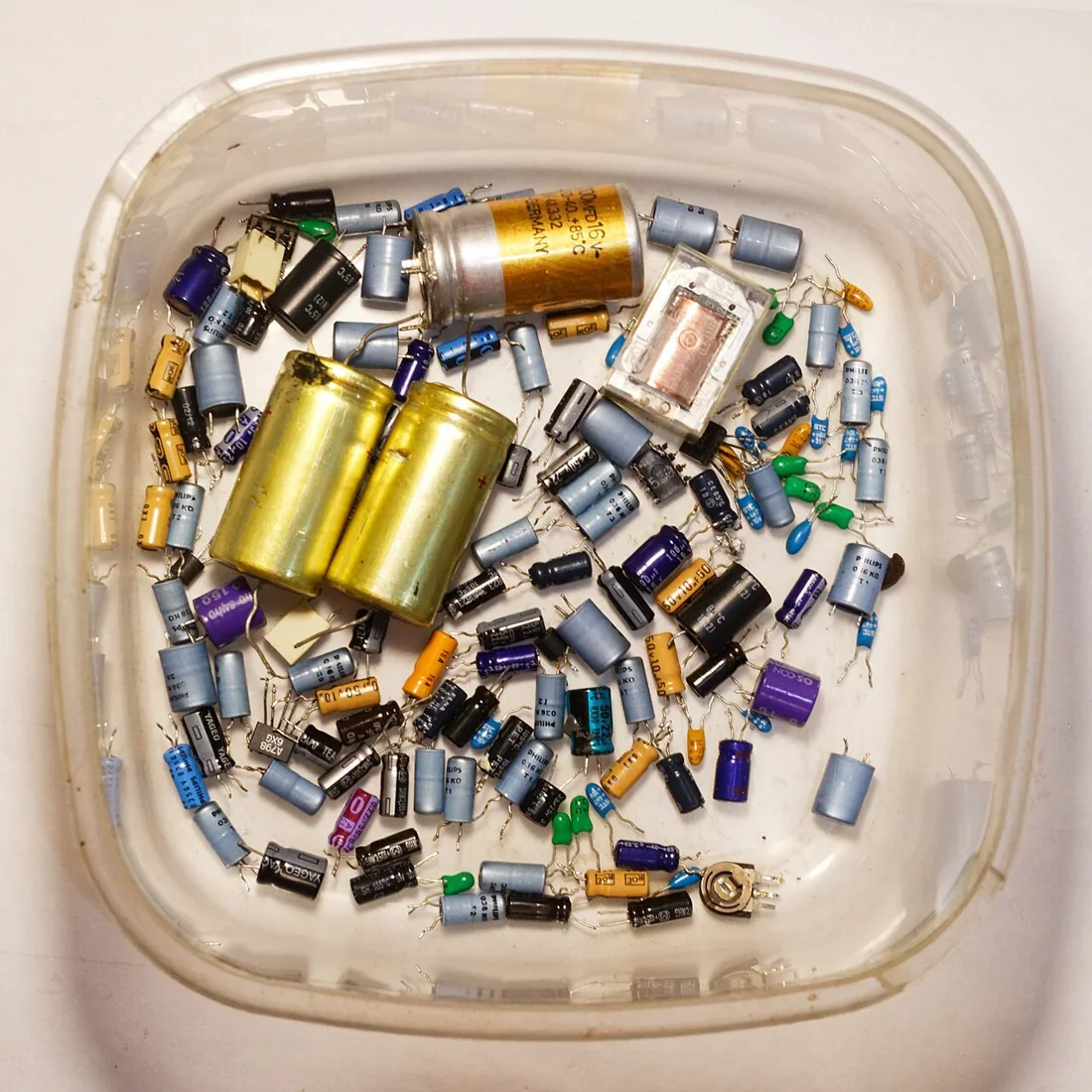
Most electronics cannot go in curbside recycling; take them to a specific collection site or use a retailer or manufacturer program that accepts them. Before handing over a phone, computer or other device, remove your personal information and check the receiving program’s instructions. If the item still works, donation may extend its useful life, but confirm that the recipient accepts it.
Find a route for the exact device
Electronics include items with different materials, sizes and handling needs, so a single household recycling cart is not the right route. EPA says electronics cannot be recycled curbside and recommends drop-off at specific collection sites. It notes that manufacturers and retailers offer donation or recycling options for items such as cell phones, computers and televisions. [1]
Start with your local recycling facility’s guidance, then check a manufacturer or retailer program for the device type. Verify that the site accepts the model and condition you have, whether it charges a fee and what preparation it requires. EPA directs people to check with the local recycling facility for the best ways to recycle electronics, so local details matter. [1]
Clear personal data before handoff
A device can contain messages, photos, account access and stored passwords. EPA advises deleting personal information before recycling electronics. Use the device maker’s reset or data-erasure instructions for the specific model, and remove removable storage if the receiving program’s directions call for it. If the device will not power on, ask the collection site what it recommends rather than assuming a standard reset is possible. [1]
Data preparation is separate from recycling preparation. A recycler may have instructions for accessories, cables or batteries, but those do not replace clearing personal information. Keep track of any device you hand over and remove it from accounts or device-finding services using the manufacturer’s directions where appropriate.
A practical example: an old laptop
Imagine replacing a laptop that still starts but no longer suits your needs. First decide whether it can be donated to someone who can use it; EPA notes donation as an option for electronics. If you donate, confirm the recipient accepts that model and condition. If it is not suitable for reuse, look for a designated electronics collection site or a retailer or manufacturer take-back route. [1]
Before either handoff, back up files you want to keep and erase personal information using the device maker’s instructions. Check whether the receiving site wants the charger, battery or other accessories with the laptop. These steps make the handoff clearer and reduce the chance of leaving useful data behind.
Reuse can come before recycling
A functioning device may have another useful life, while a broken or obsolete one may need material recovery. EPA identifies both donation and recycling options offered by manufacturers and retailers. Donation is not automatic: the receiving organization may have limits on age, condition or supportability, so ask before making a trip. [1]
A common mistake is to put an unwanted phone or computer in curbside recycling because it contains recyclable metals. Materials may be recoverable, but collection and processing require a designated electronics route. Keep electronics separate from ordinary recyclables and follow the instructions of a program that explicitly accepts them. [1]
Close the loop on batteries and accessories
Electronics can contain rechargeable batteries that have their own handling rules. EPA says lithium-ion batteries should not go in trash or municipal recycling bins and should be taken to dedicated in-store bins or household hazardous-waste events. If a battery can be removed, check the device and collection site instructions before separating it; do not dismantle a built-in pack. [1]
Cables, chargers, ink cartridges and other accessories may not be accepted by the same electronics program. Ask the site or check its accepted-items list rather than adding everything to one box. Your next action is to identify one device, choose donation or a confirmed electronics collection route, and complete the data and battery steps required by that route.
Follow the evidence
Primary sources used in this story. Practical examples are illustrative unless a source states otherwise.
Read our editorial standards. Have a correction? Identify the article and relevant source in your feedback to the site owner.